Developer
Barcode Scanner Stock for OpenERP 6.1
1 min read
Contents
Introduction
Today we present our nan-stock-scanner module for OpenERP 6.1.
Installation
Download the module from the nan_openerp_modules project or the compressed 6.1 version.
- Unzip it if necessary and copy it to the usual OpenERP modules directory.
- Restart the server.
- Update the module list (Administration/Modules).
- Find and install nan_stock_scanner.
User guide
Configuration
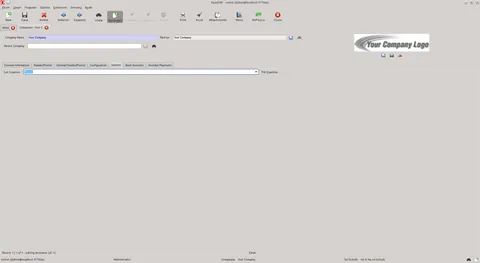
The configuration controls production lots and the scanned quantity:
- Never: do not create lots.
- Always: create a new lot for each receipt.
- Search by supplier reference: reuse a matching lot or create a new one.
- Add one unit per scan or use the expected quantity of the movement.
Incoming pickings
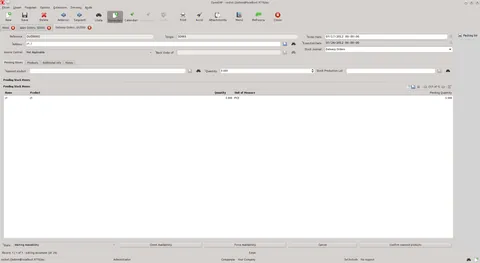
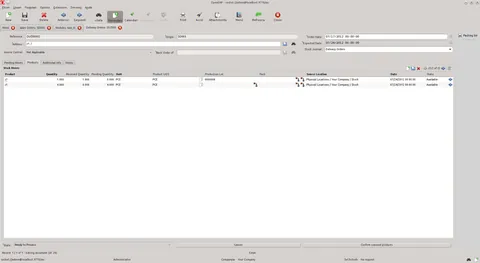
The pending moves tab shows the quantity still to scan and product information. Scanning fills the quantity and unit price automatically; the expiration date and supplier reference can be entered manually.
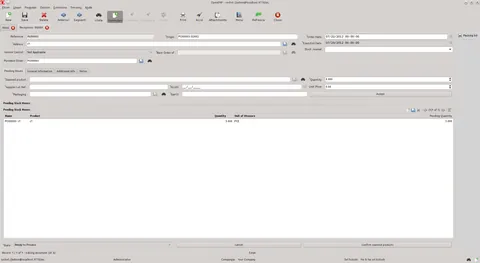
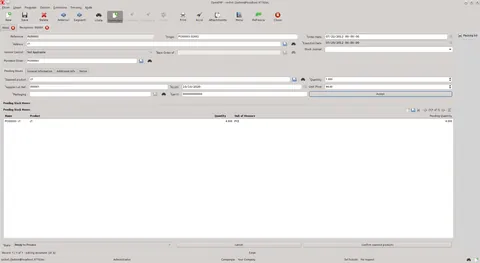
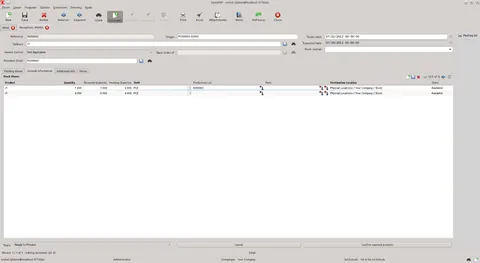
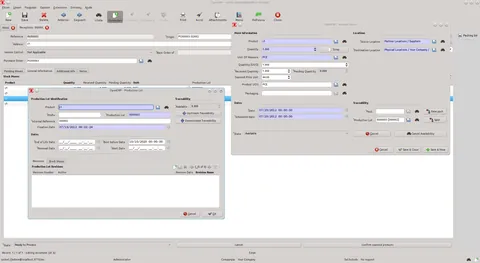
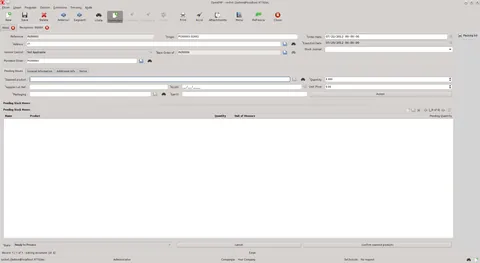
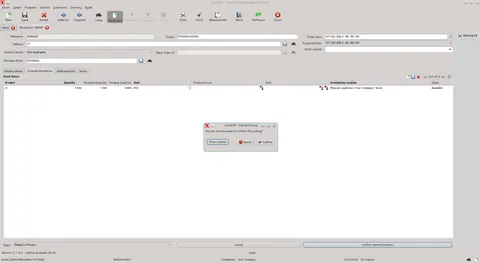
Partial pickings can also be created:
- Confirm: create the partial picking.
- Cancel: cancel the operation.
- Force: assume all goods were received.
Outgoing and internal pickings
Only the product, quantity and production lot need to be scanned.