Quality Control in Production Lots and Incoming Shipments
Quality control
In this article, we continue exploring the quality control process introduced in the previous post, quality control, and its integration into OpenERP processes.
Today we will present our nan_prodlot_quality_control and nan_prodlot_quality_control_input modules.
- The first module, nan_prodlot_quality_control, adds quality control to production lots, modifying the usual workflow, and adds configuration for quality controls at product and company level. It also provides the foundation for triggers.
- The nan_prodlot_quality_control_input module creates and assigns the quality test to the production lot when the material is received.
The modules add a quality section to the company form for configuring quality controls. There, we can define globally which quality controls we want to apply to products; the configured quality controls will then be added automatically when a new product is created.
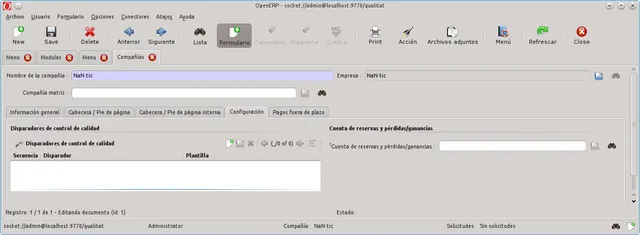
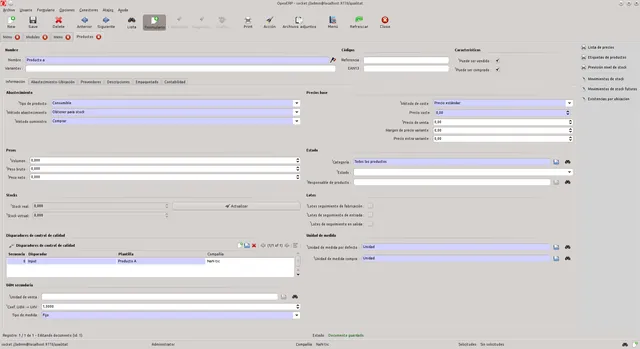
We can also choose not to subject all of the company’s products to quality control. In that case, we can leave the company’s quality section empty and specify the quality control to apply directly on the product form.
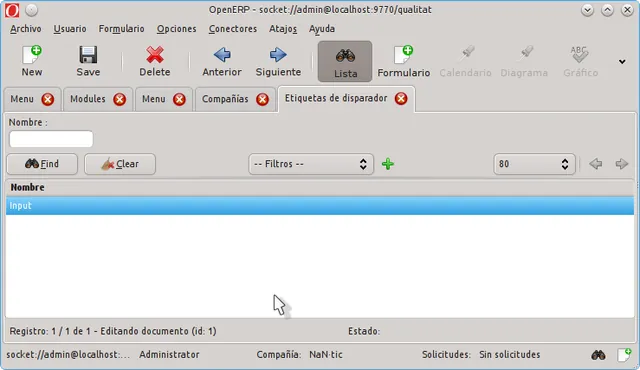
The available triggers depend largely on the modules installed in OpenERP. In the case studied, only the ‘Input’ trigger is available; it creates the quality control associated with each lot created when material is received.
The modules act on the availability of production lots created when material is received and with the configured product. These lots appear inactive and are not shown in any application process unless they are searched for explicitly, preventing them from being used in production or sales before passing the required quality control. The production lot status indicates that it is awaiting completion of the quality control.
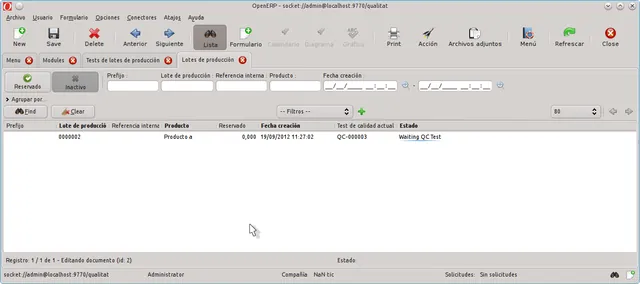
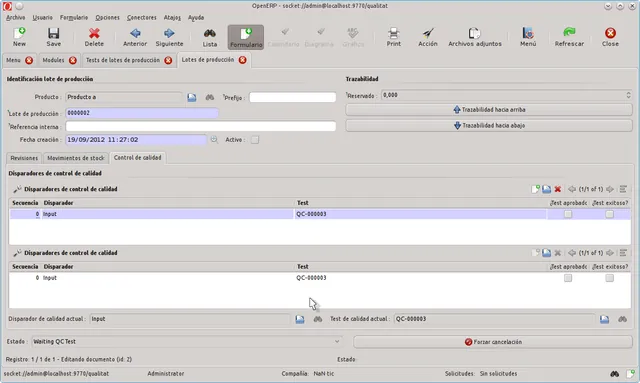
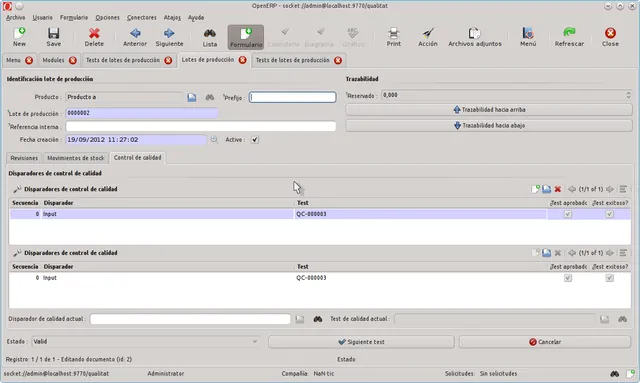
Once the defined quality controls have been completed and passed, the status changes to ‘Valid’, and the production lot becomes available for production or sale.
You can download these modules from GitHub: